
KFE3 – Drone Inspection Data System: Local, Secure, Available Instantly
The KFE3 system by Kopterflug visualizes all Flyability ELIOS 3 data – video, thermography and LiDAR – directly in the browser. Built for operators of critical infrastructure. No cloud. No external dependencies.
- 100% local operation – no cloud upload, no third-party systems
- Runs entirely in the browser – Chrome, Edge or Firefox
- Individually developed for your processes and security requirements
What Is KFE3?
KFE3 is a web-based system for the secure delivery, visualization and analysis of drone inspection data – developed for operators of critical infrastructure, selected plant operators and public authorities.
Unlike cloud-based solutions or off-the-shelf software, KFE3 runs exclusively on the customer's own network. There is no data upload to external systems. Each instance is individually adapted to the customer's requirements and workflows.
KFE3 is not a standard software product and does not compete directly with Flyability Inspector 5. It is an exclusive, customer-specific development – purpose-built for requirements around data security, traceability and internal availability – with a significantly extended feature set compared to standard tools.
Your Benefits with KFE3
Maximum data security, full control and immediate readiness – running directly in your network.


On-Site Operation – Real-Time Collaboration
A typical deployment shows the practical value of KFE3 most clearly:
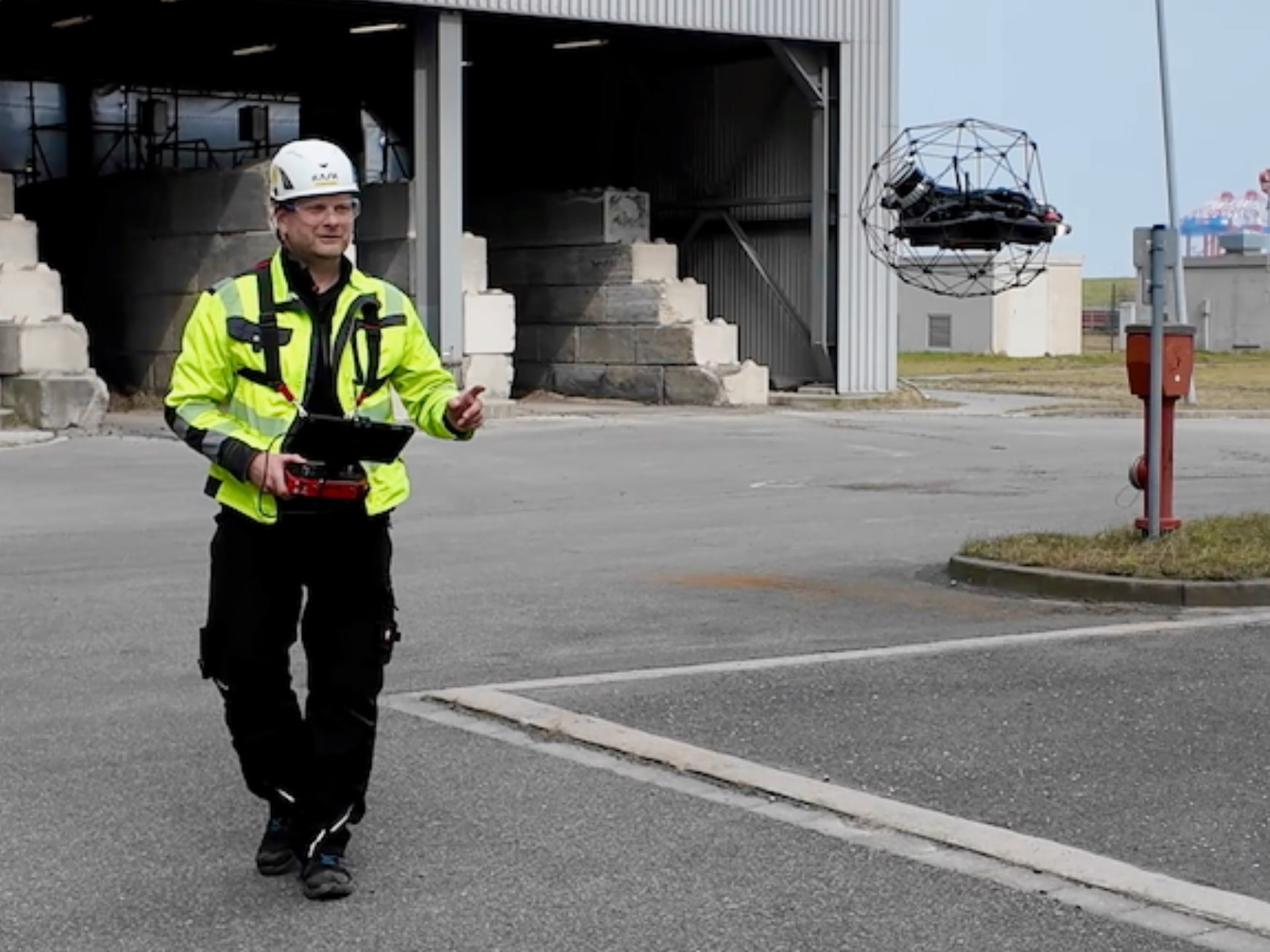
- Inspectors fly the ELIOS drone. Recordings are saved locally on the drone pilot's laptop.
- Once the data has been copied, all authorized team members across the entire site can immediately access the inspection data in their browser – whether in the office, the control room or any other point on the premises.
- Videos, thermal imagery, telemetry data and flight paths are displayed directly.
- Analysis and initial evaluations can begin immediately while the drone is still in operation or the next flight is being prepared.
This creates genuine real-time collaboration on site – without waiting times, without dependence on external software and without cloud uploads.
Users can directly in the browser:
- Open inspections and review them comprehensively
- Carry out precise measurements (distances, areas, heights, volumes)
- Structure and prepare data
- Create compelling visualizations and reports
Significant Advantages over Flyability Inspector 5
KFE3 provides all the core functions of modern post-inspection processing – visualization, measurement, organization. At the same time, the software can massively exceed the capabilities of Flyability Inspector 5 wherever needed.
Through the individual customization of each instance, we can integrate additional, customer-specific analyses and evaluations that are difficult or impossible to achieve with standard software:
- Advanced AI-assisted analysis – automatic detection of corrosion, cracks, deposits or other defects
- Long-term comparisons across multiple inspections – trend analysis and deterioration patterns at the click of a button
- Custom evaluation logic and reporting – precisely aligned with your internal processes and reporting obligations
- Integration with existing systems – asset management, maintenance software or proprietary databases
KFE3 thus becomes not just a secure alternative – but a powerful analysis tool precisely tailored to your requirements.
From Enquiry to Live Instance
Individually developed, quickly operational.
-
Clarify Requirements
Which data, which processes, which integrations? We capture your requirements in a structured way – without unnecessary complexity. -
Concept & Proposal
We outline what KFE3 looks like in your specific context – feature scope, customizations, technical infrastructure. -
Development & Configuration
Your instance is developed and aligned with your processes – including on-site user training. -
Operation & Ongoing Development
KFE3 runs in your network. Extensions and adjustments are possible at any time – responding to your evolving requirements.
Who Is KFE3 For?
KFE3 is aimed at organizations where data security, internal control and flexibility admit no compromise:
- Operators of critical infrastructure – energy, chemicals, industrial plant
- Power stations and refineries
- Public authorities and public-sector bodies with high security requirements
- Technical management, maintenance and asset management teams
For these target groups, KFE3 is not an optional add-on – it is the only sensible alternative to cloud-based off-the-shelf solutions.
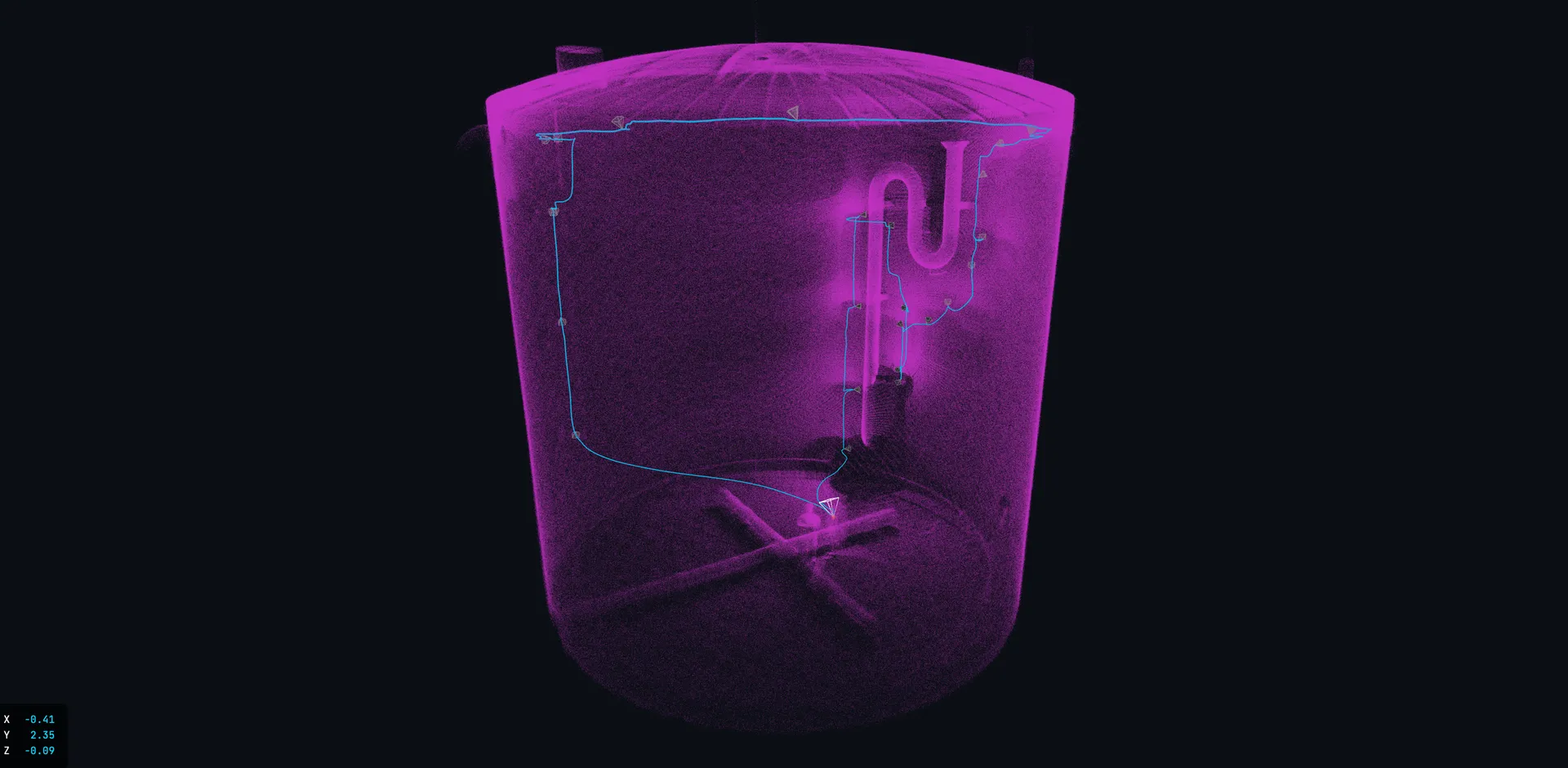
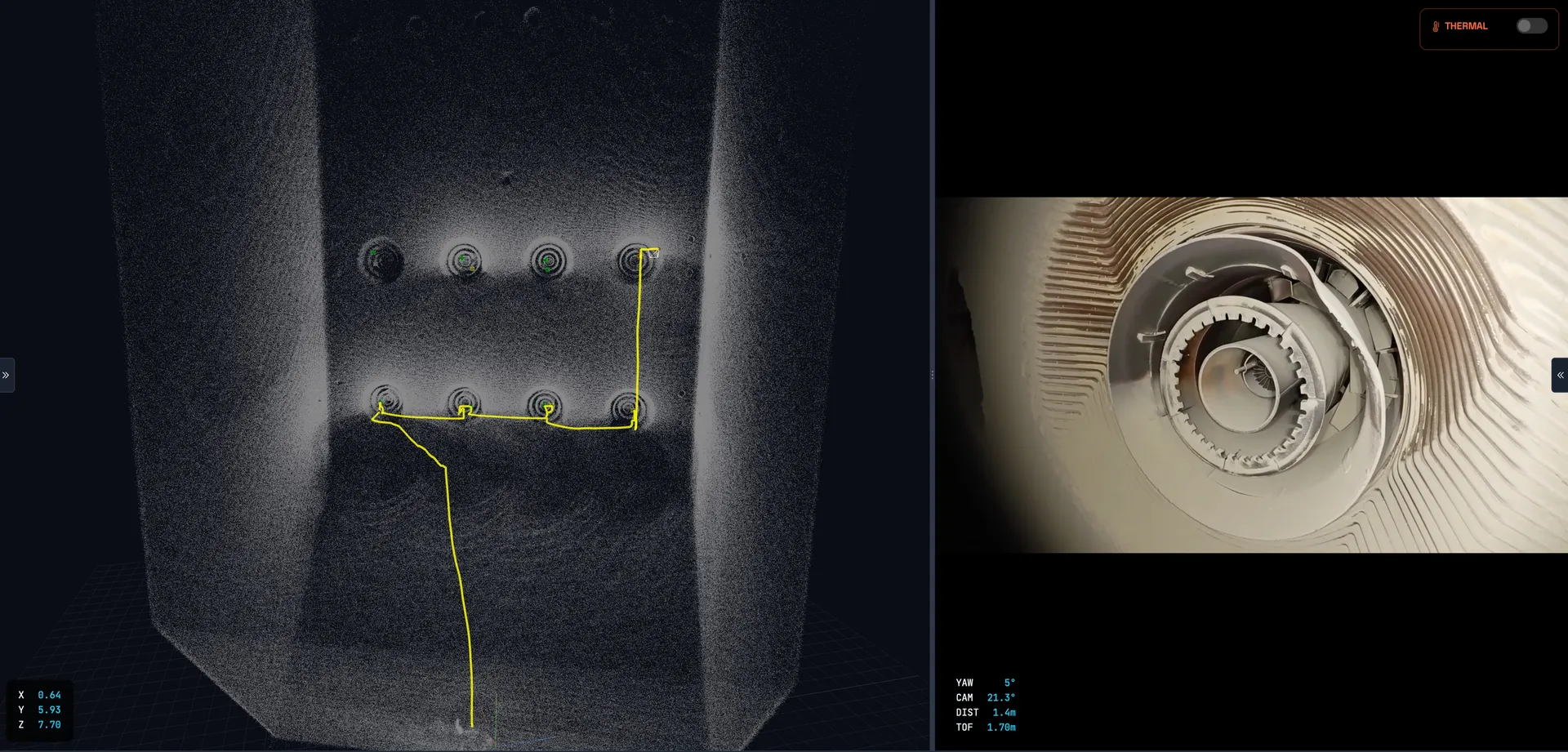
LiDAR 3D point cloud of a tank interior – KFE3 visualizes this data directly in the browser, locally and without cloud upload.
The Development Team – Speak Directly with Us
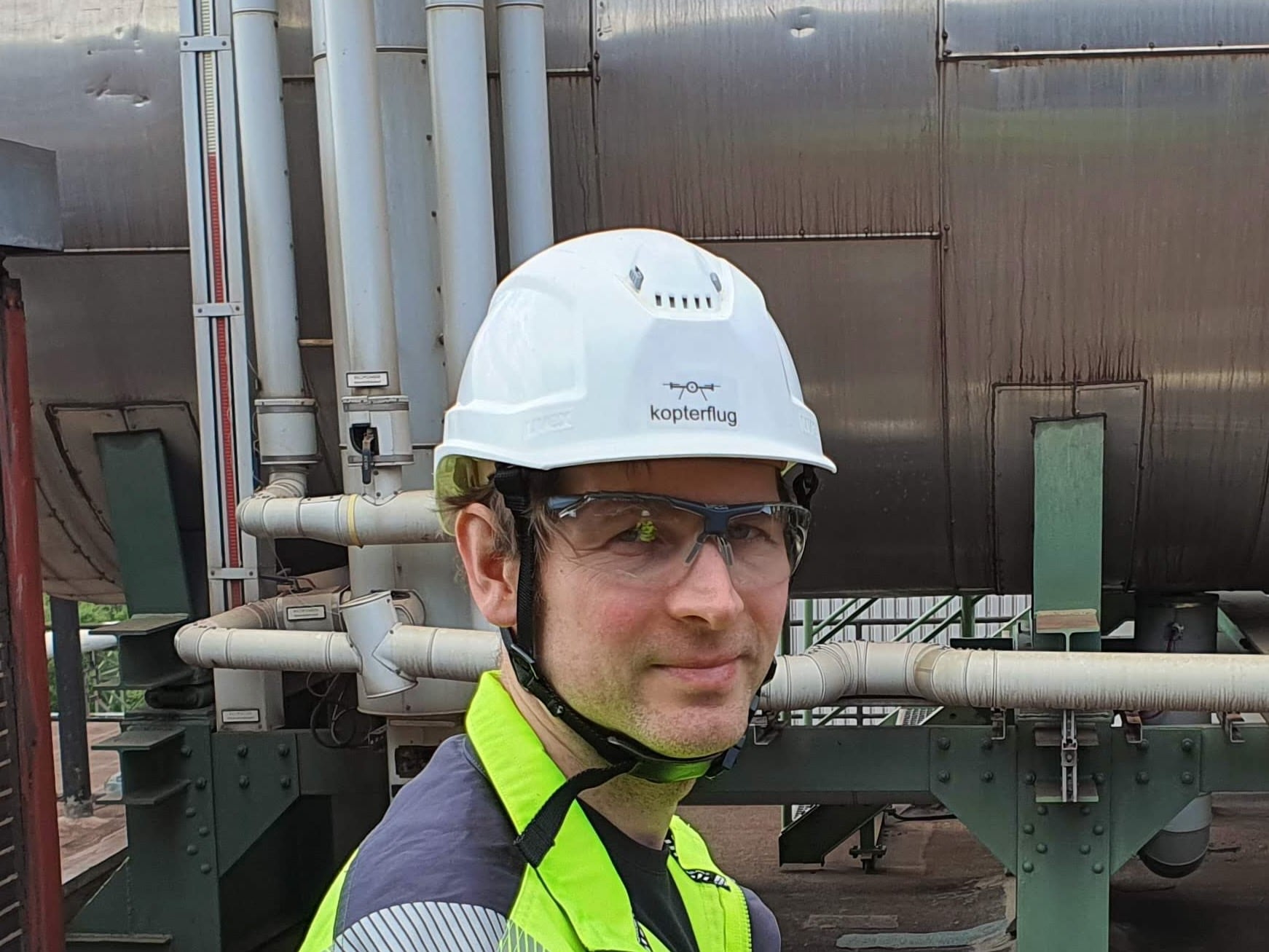
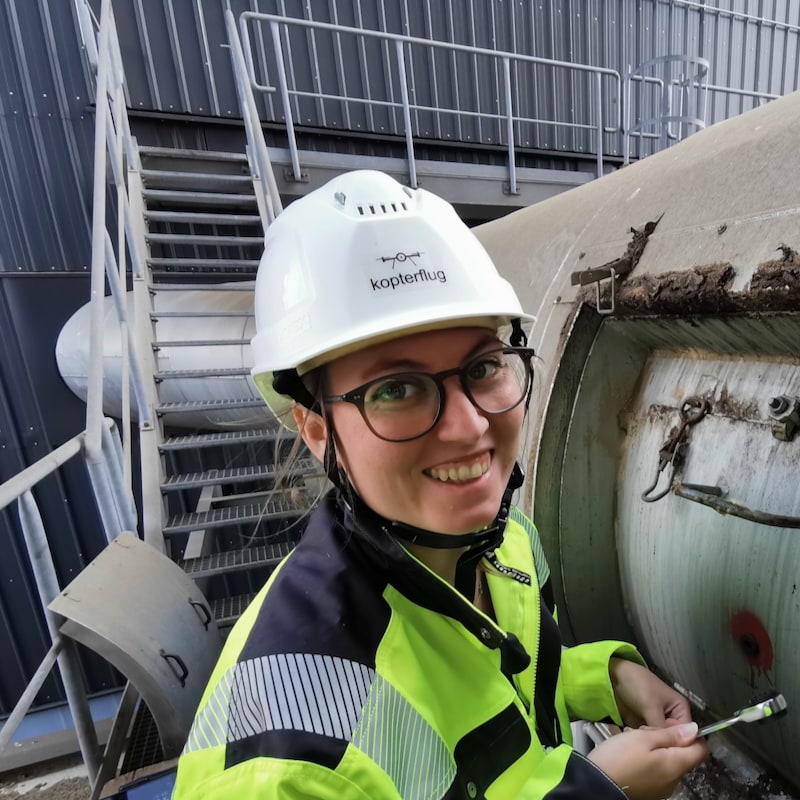
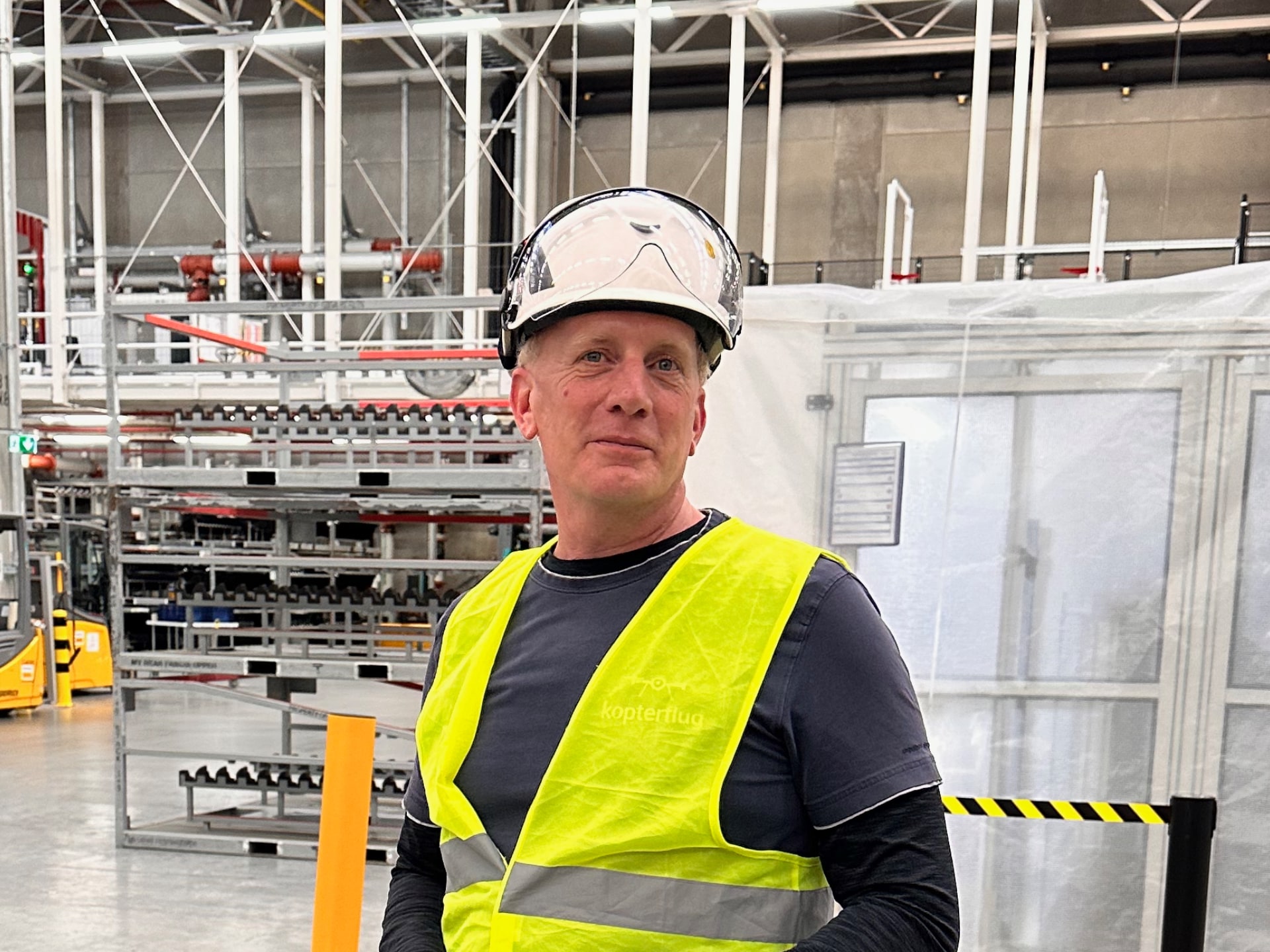
KFE3 is developed and supported by Kopterflug – by the same inspection specialists who work with drone inspection data every day. No intermediary, no external software vendor.

Related Services – KFE3 Grows from Inspection Practice
- Industrial Drone Inspection – Overview of all deployment areas – ELIOS 3 for interiors, DJI M30T for external structures, ROV for underwater.
- Condition Documentation – What customers receive after the inspection: 4K video, findings list, PDF report, LiDAR and thermography.
- Tank Inspection – Tanks and storage vessels without human entry – no scaffolding, no rescue chain, in hours rather than days.
- Boiler Inspection – Boilers and pressure vessels with significant safety overhead under conventional access methods.
- Power Plant Inspection – Boilers, cooling towers, flue gas routes – inspection within running revision windows.
- Costs & Effort – Why drone inspection is 30–90% cheaper than conventional methods in many cases.
Frequently Asked Questions about KFE3
What distinguishes KFE3 from Flyability Inspector 5?
KFE3 and Flyability Inspector 5 pursue different objectives. Inspector 5 is standard software from Flyability for post-processing ELIOS data. KFE3 is an individually developed, fully locally operated solution that requires no cloud and is adapted to the customer's specific processes. Where needed, KFE3 can massively exceed Inspector 5's feature set – with AI-assisted analysis, long-term comparisons and customer-specific reporting.
Why is KFE3 operated locally rather than in the cloud?
Operators of critical infrastructure are often subject to strict requirements around data security and data sovereignty. Inspection data from safety-relevant plant may in many cases not be transferred to external systems. KFE3 is therefore operated exclusively in the customer's own network – no upload, no external dependencies, full control by the operator.
What data can KFE3 display and process?
KFE3 supports all common drone inspection data: video (4K), thermal imagery, telemetry data and flight paths. In addition, depending on the instance, LiDAR point clouds, findings lists and further data sources can be integrated. Users can carry out measurements, document findings and create reports – all in the browser.
Does anything need to be installed on users' machines?
No. KFE3 runs entirely in the web browser – Chrome, Edge and Firefox are supported. No desktop software installation is required on user machines. The server is installed on the machine onto which the data from the drone's Inspector is loaded. Alternatively, a dedicated server can be installed on the customer's intranet to distribute data across the whole network.
How quickly is data available to the team after a flight?
As soon as the drone data has been copied from the pilot to the local machine or server, it is immediately available to all authorized users in the browser. No waiting for a cloud upload, no synchronization with external servers. Analysis can begin while the drone is still in operation.
Can KFE3 be integrated with existing systems?
Yes. Because each instance is individually developed, interfaces to existing asset management systems, maintenance software or internal databases can be built in. The scope of integration is defined together with the customer.
What AI analyses are possible with KFE3?
Depending on the instance and requirements, AI-assisted analysis for the automatic detection of corrosion, cracks, deposits or other defects can be integrated. Long-term comparisons across multiple inspection cycles and trend-based evaluations are also possible. We will work with you to determine which analyses make sense for your operation.
How many users can KFE3 support?
KFE3 is designed for simultaneous access by multiple users on the local network. Exact scalability depends on your infrastructure and requirements. Whether a single workstation, a dedicated server or intranet operation – we align the architecture with your situation.
How is KFE3 introduced and who trains the users?
Kopterflug supports the rollout from requirements capture through to live operation. User training is conducted on-site or remotely – tailored to your teams from technical management, maintenance or asset management. After go-live, Kopterflug remains available as a contact for extensions and adjustments.
Which data formats does KFE3 support?
KFE3 processes all common inspection data formats: MP4/MOV video in 4K, JPEG/PNG stills, radiometric thermal images (RJPEG), LiDAR point clouds (LAS/LAZ/PLY) and telemetry data. In addition, customer-specific formats can be integrated – such as CSV measurement data, PDF test reports or proprietary sensor formats. Import is automated via a defined folder structure.
How are LiDAR point clouds displayed in KFE3?
LiDAR point clouds from the ELIOS 3 are visualized directly in the browser as interactive 3D models. Users can freely rotate, zoom and navigate the point cloud and carry out precise measurements – distances, areas, heights and volumes. No special software or plugin installation is required. Point clouds can also be exported on request.
Is KFE3 GDPR-compliant?
Yes. Because KFE3 is operated exclusively on the customer’s local network and no data whatsoever is transmitted to external servers, cloud services or third parties, the solution meets the highest requirements for data protection and GDPR compliance. All inspection data remains under the operator’s full control.
How does automatic defect detection work in KFE3?
The AI-based defect detection works with trained image-recognition models specialised in typical damage found in industrial environments – including corrosion, cracks, deposits, material loss and deformations. The analysis runs locally on the KFE3 server and delivers results with confidence values and position assignment. The models can be retrained on customer-specific damage patterns.
Can inspection results be exported as a report?
Yes. KFE3 enables the export of structured inspection reports as PDF, including screenshots, measurement data, findings lists and recommendations for action. The layout and content of the report are individually tailored to your internal reporting obligations. Additionally, raw data can be exported in standard formats (CSV, JSON, XML) for further processing.
How do long-term comparisons across multiple inspections work?
KFE3 stores all inspection data chronologically and enables direct visual and metrological comparison between different inspection dates. This allows deterioration trends, corrosion progress or changes to components to be tracked precisely. The trend analysis supports well-founded decisions on maintenance measures and service intervals.
What hardware requirements does the KFE3 server have?
KFE3 is designed to be resource-efficient and already runs on a standard laptop or workstation – specifically the pilot laptop that is already used for the ELIOS 3. For intranet operation with multiple simultaneous users, we recommend a dedicated server. The exact specification is aligned with your planned data volume and number of users.
How is thermography data evaluated in KFE3?
Thermography recordings from the ELIOS 3 are displayed in KFE3 as radiometric images with full temperature information. Users can switch colour palettes, define temperature ranges, set measurement points and identify hotspots. The temperature data can be overlaid with the visual recordings to precisely locate thermal anomalies.
Is there user management with different access rights?
Yes. KFE3 has role-based user management that is individually tailored to your organisational structure. For example, technical management can receive full access to all inspection data while maintenance teams see only specific plant areas. Access rights, roles and permissions are defined together with the customer.
Can KFE3 operate without an internet connection?
Yes. Since KFE3 runs entirely locally, no internet connection is required – neither for operation nor for data processing. This is particularly relevant for inspections at remote sites, in security-critical areas or in plants with limited network infrastructure. A local Wi-Fi or wired network is sufficient.
How are measurements carried out in the 3D point cloud?
Users can perform precise measurements directly in the browser within the LiDAR point cloud: point-to-point distances, area calculations, height profiles and volume determinations. The measurement tools are intuitive and require no CAD skills. Measurement results can be saved, annotated and incorporated into reports.
What happens to KFE3 if Kopterflug ceases to be available as a provider?
KFE3 runs entirely on your own infrastructure and is not dependent on an external licence server or cloud service. The software continues to function without an active connection to Kopterflug. On request, technical documentation can be provided that enables independent continued operation and basic customisations.
How does KFE3 differ from other inspection software solutions on the market?
Most inspection software solutions rely on cloud-based SaaS models with monthly licence fees. KFE3 takes a fundamentally different approach: fully local, individually tailored and without ongoing subscription costs. Furthermore, each instance is precisely fitted to the processes and requirements of the respective customer – not generic off-the-shelf software with superfluous features.
Request KFE3 for Your Facility
Custom-built, locally operated inspection data system – individually developed for your data security and analysis requirements. Fill out the form below and we will get back to you within 24 hours.